


The Venator browser is a feature-rich browser based on Librewolf designed to search, collect and analyze information on the Internet. Its installation does not cause any difficulties, it is enough to download the archive, unpacking it to run the installer. The implementation of the interface includes an additional panel for quick access to search engines, as well as to popular resources. There are many services that will surely be useful to any user.
Venator 8.0 Browser
Venator 9.0 Browser
⬇️Скачать
Google Диск https://drive.google.com/file/d/1mVD5bccXlYn1mzSUvAz7jB85m7w7UyiX/view?usp=sharing
Яндекс Диск https://disk.yandex.ru/d/Ju9SORVGegUArg
Proton Drive https://drive.proton.me/urls/GT83WXMK3M#k6JZvtkUhNa2
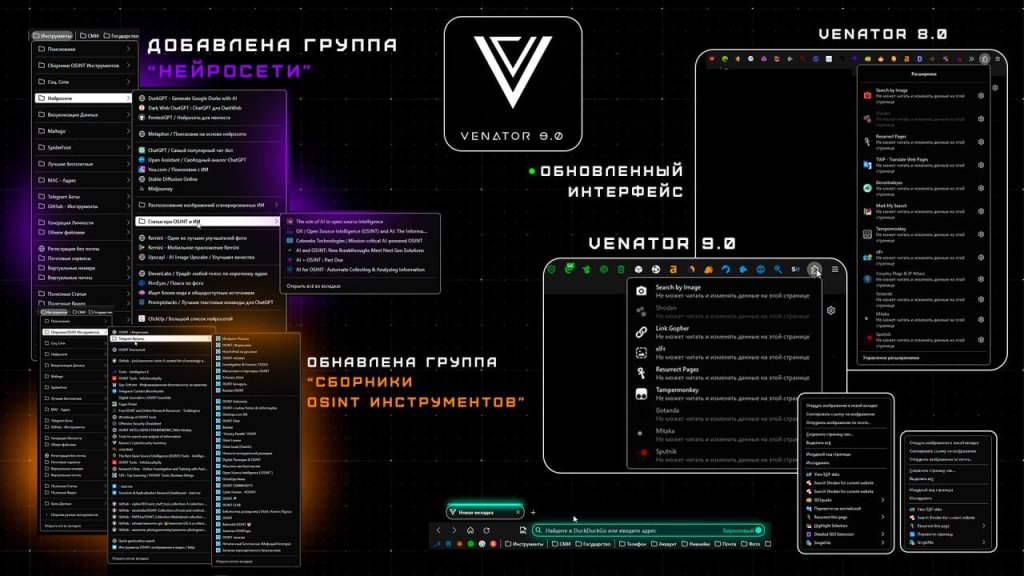
/// Updated Interface
More about the changes:Article
/// Added:”Neural Networks” group
/// Updated : Collection of OSINT Tools – Venator 2.0 Security
Download
Google Drive
Yandex Disk
Proton Drive
https://anonfiles.com/h6m1e952zb/Venator_Security_2_0_1_zip
Interface changes in Venator 9.0
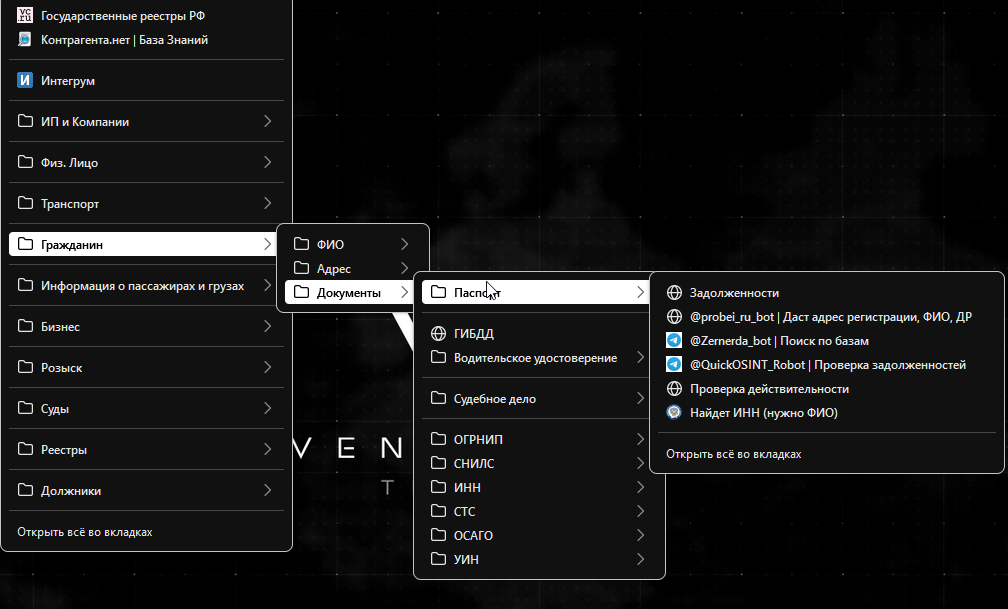
Venator OSINT Browser1) Fixed a problem with closing a branch of bookmarks.
Previously, the bookmarks menu was closed immediately after opening one site, which was extremely inconvenient. In the new version, you will not be transferred to an open site and you can open sites as much as you need
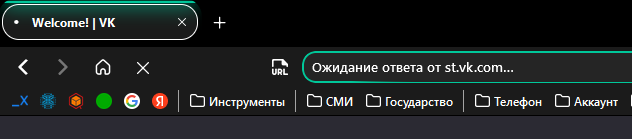
2) URL highlighting by container color

3) The status of the visited page in the URL
4) Slightly changed the general theme. Removed backlight, removed transparency
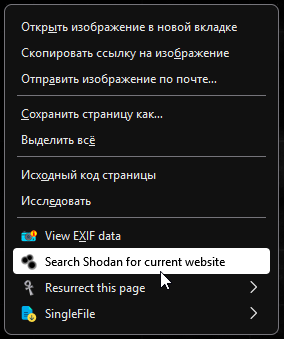
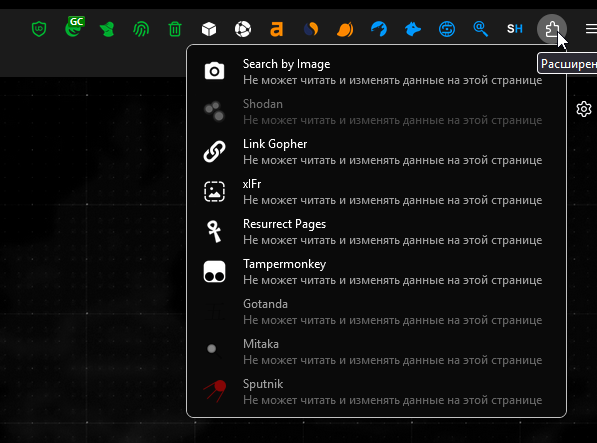
5) Changed the extension panel. Signed by color.
Green – Extensions responsible for security
Orange – SEO Extensions
Blue – Extensions, for OSINT
White – Extensions that do not have a specific category
6) Some elements have bold text


7) Внешний вид стал “чище”




You must be logged in to post a comment.