


Ver
sion “Quantum” 7.1
Main changes:
1) Added an icon to go to the “ZOV Maps” menu.
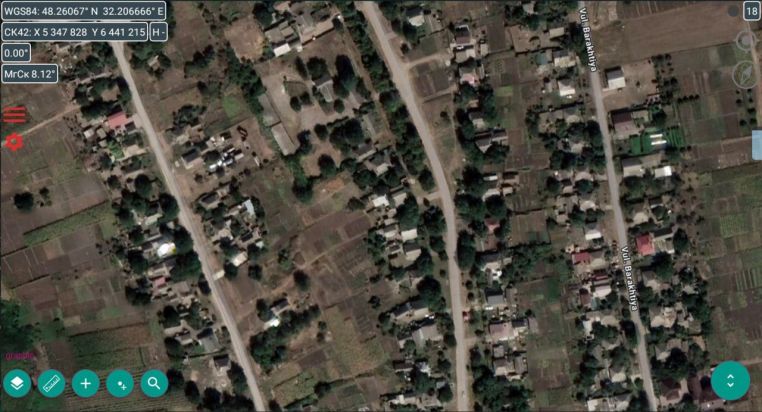
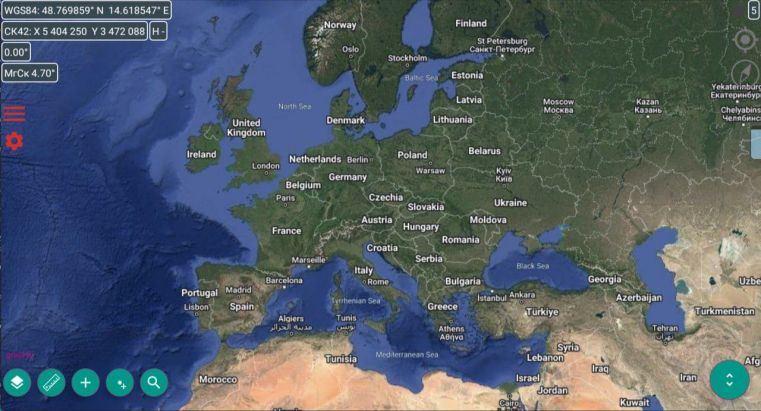
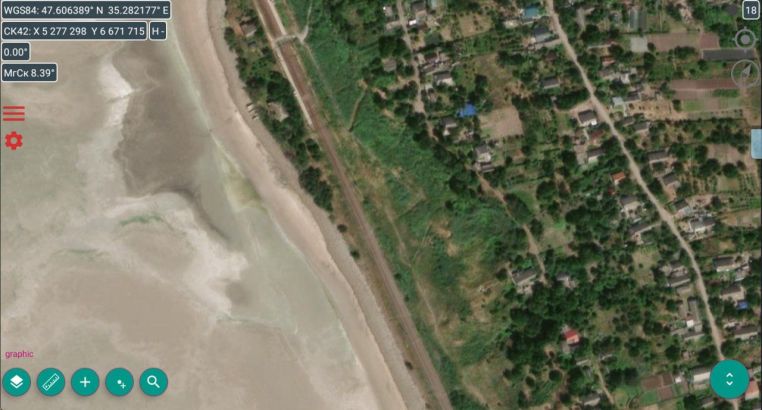
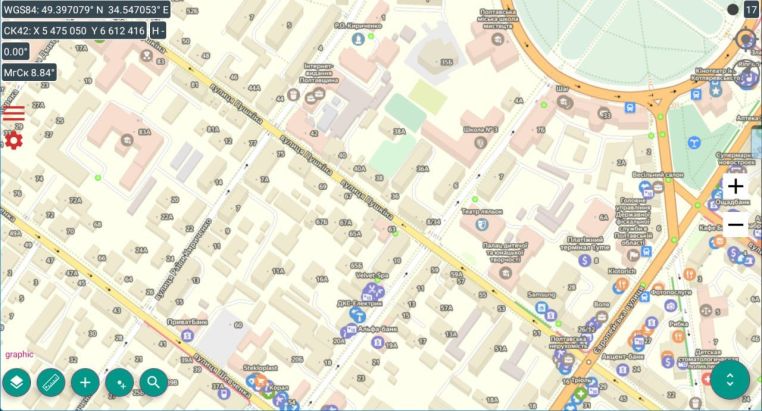
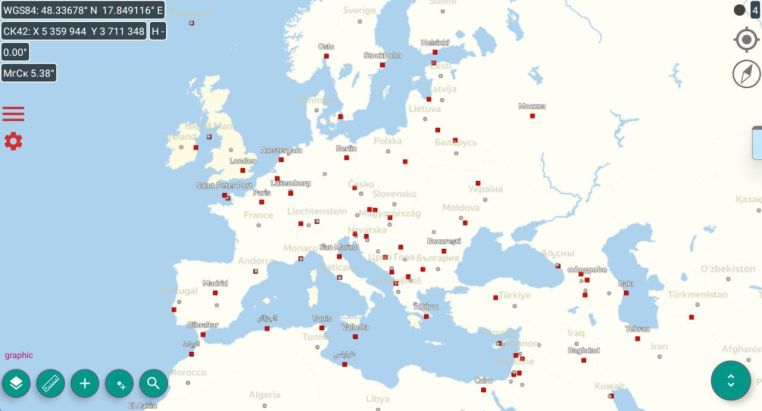
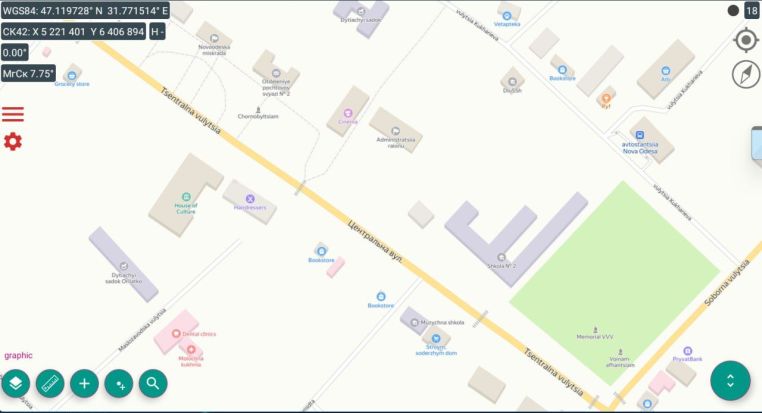
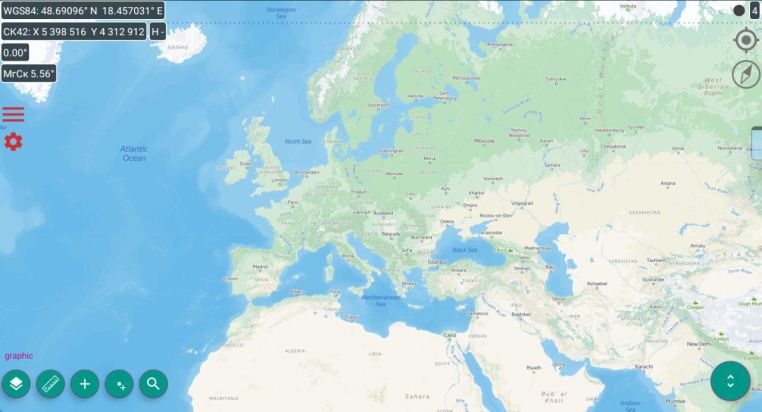
Main changes:
1) Added the ability to create a password to log into the application – this function is disabled by default!!!
(For reference: to add a user password, go to “General settings”, then check the box “Use a PIN code to log in to the application” and enter your new password by typing it twice, when changing the password, do the same procedure)
‼️ ATTENTION ‼️
The user has THREE ATTEMPTS to enter the PIN code; if entered incorrectly, the program BLOCKS ENTRY for 1 hour until the next time.
We don’t know your password and if you forget it – ‼️ YOU WILL NOT BE ABLE TO LOG INTO THE APP ‼️;
2) An icon-button for quick access to “Quantum” has been added to the main screen, provided that the “Quantum” application is installed;
3) Improved the ability to check the latest version via a permanent link in Telegram;
4) Improved the ability to go to the submenu for downloading geodata
For reference: we
‼️ NEVER ‼️ we do not use bots, but conduct LIVE communication with our users only through the admin @ZOVmap !!
Do not send your data to any bots at other addresses!!!
‼️ ATTENTION ‼️
The address databases used with “ZOV Maps” versions 13.1 and higher will not work with old addresses, so BELOW we provide new address databases (see under the message).
‼️ PLEASE UPDATE YOURSELF AND DEMAND FROM YOUR COMRADES to update “ZOV Maps” ‼️
( the latest version is always HERE )

You must be logged in to post a comment.